Part 1
Choose your printer, filament, and slicer. Then run your first print.
Jump to Print
3D Printing Hub
A step-by-step guide put together by experts. Set up your printer, design your own parts, and sell what you make.
Read the guideThe guide has three parts. Start at the beginning, or jump to the part you need.
Part 1
Choose your printer, filament, and slicer. Then run your first print.
Jump to PrintPart 2
Modeling basics, tool comparisons, and projects to follow.
Jump to DesignPart 3
Share and sell your models, or start a 3D print business.
Jump to SellingPart 1Print
Choose your printer, filament, and slicer. Then run your first print
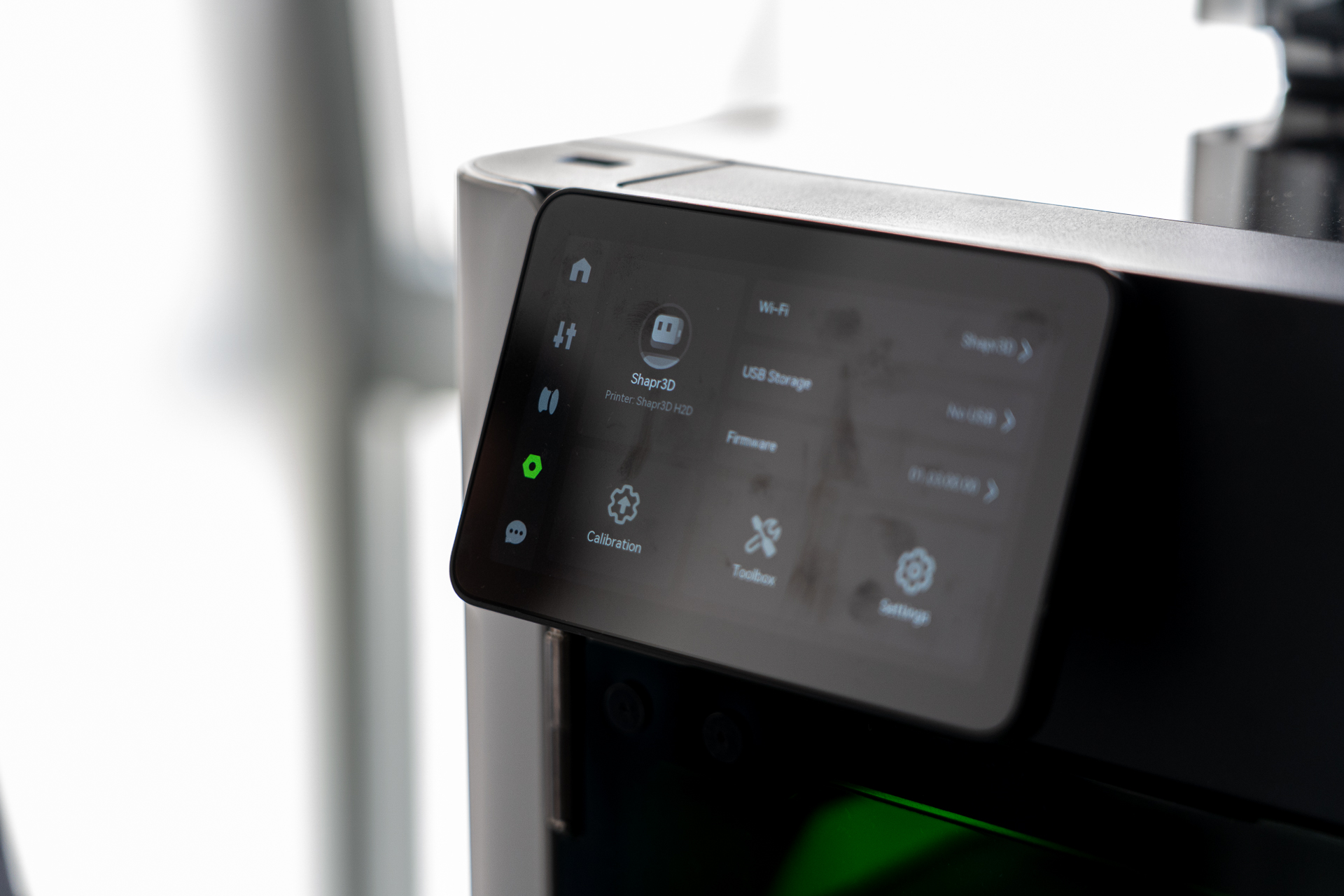
Most specs don't matter. Here are the ones that do.
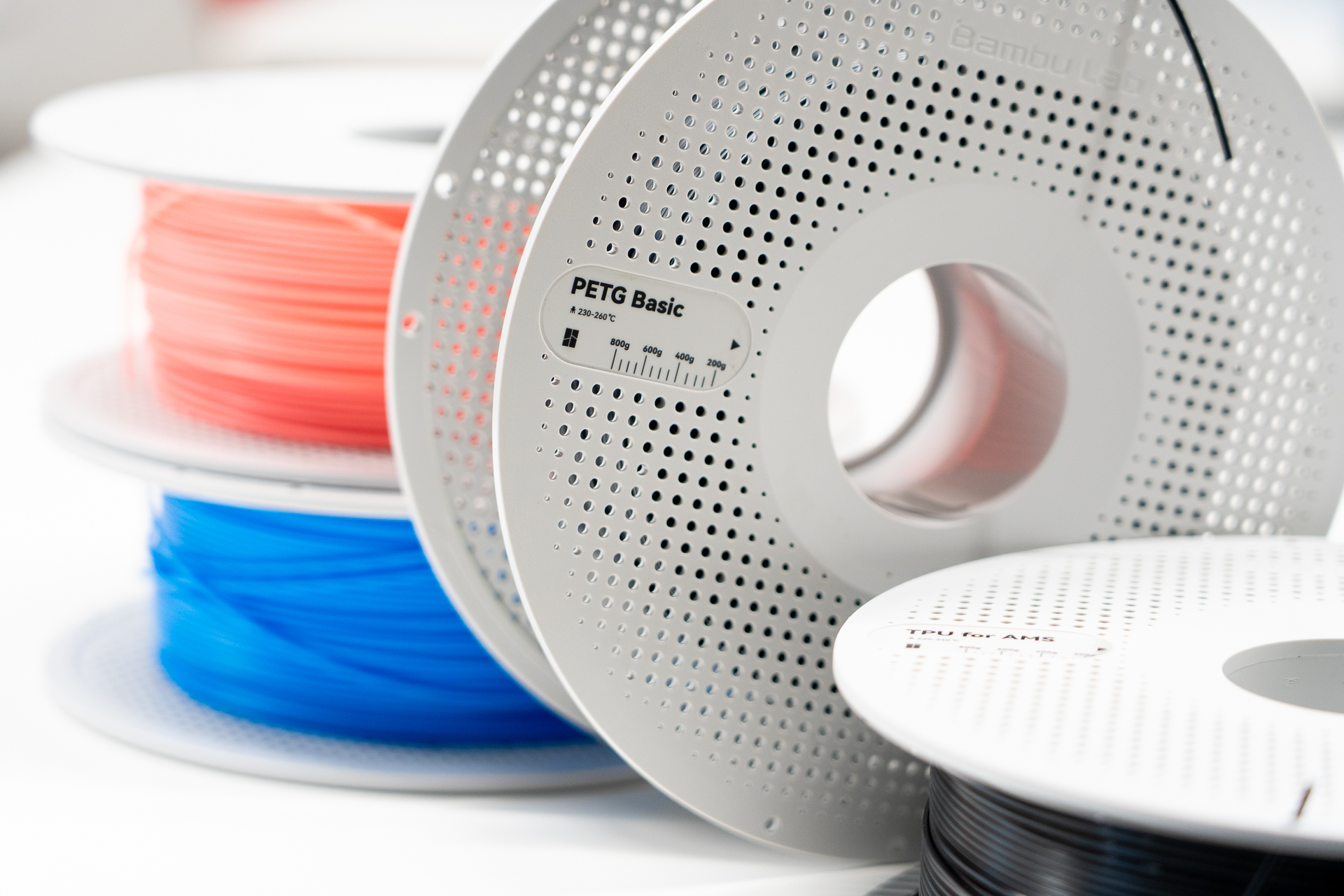
Start with PLA. Here's when to switch.
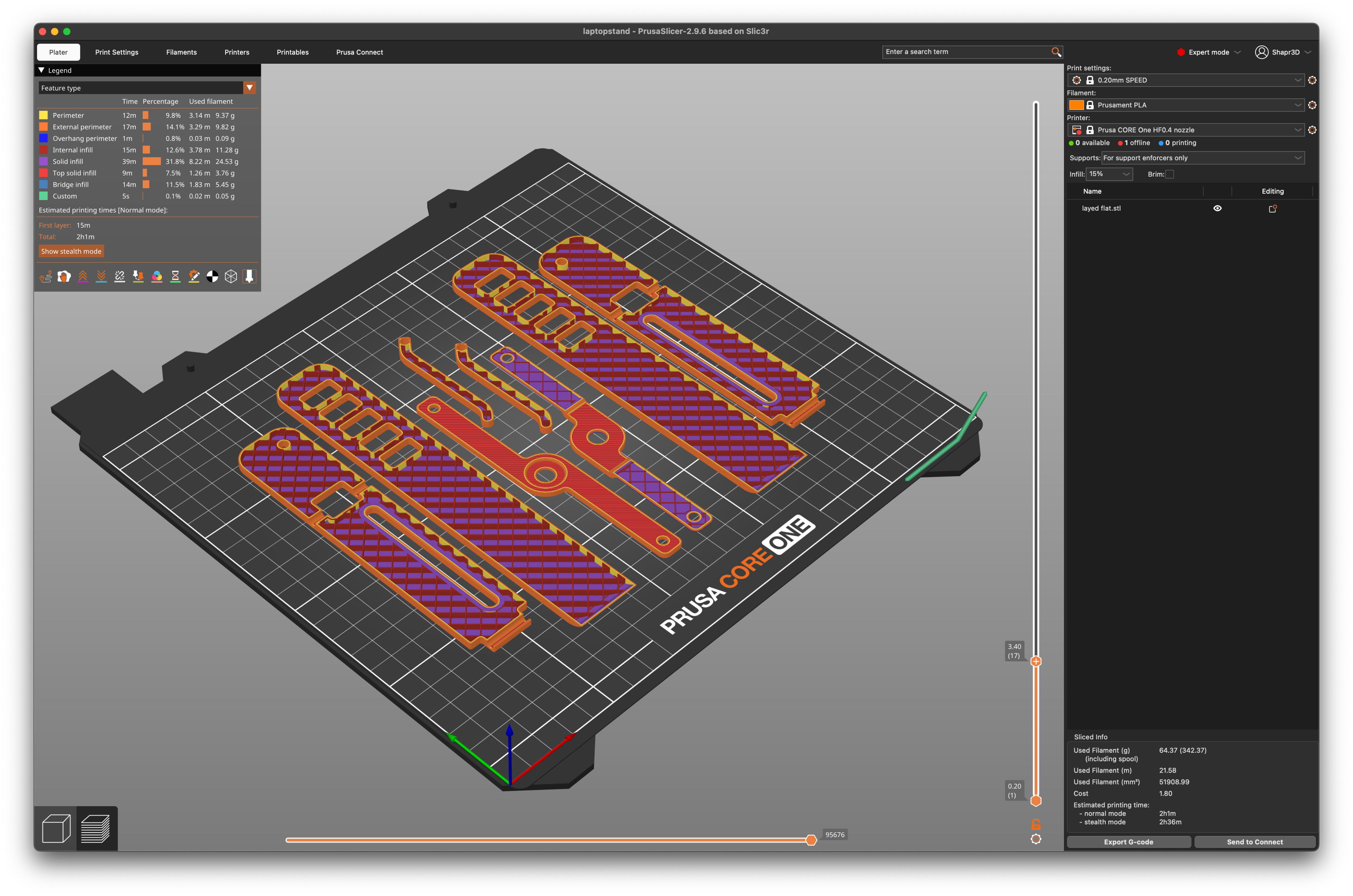
It turns your file into a print. Here's which one to start with.
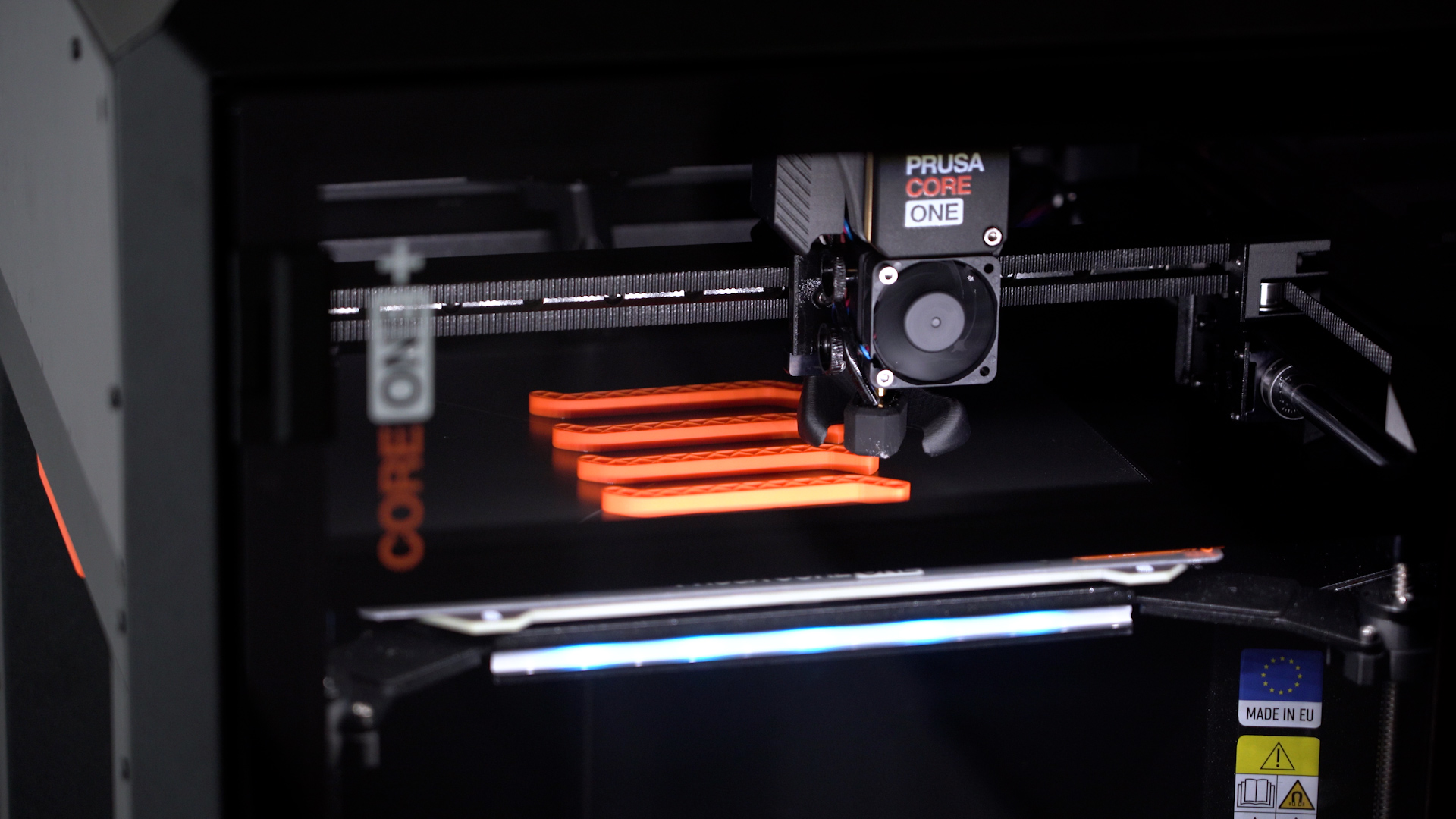
Level the bed, load the filament, and hit print.
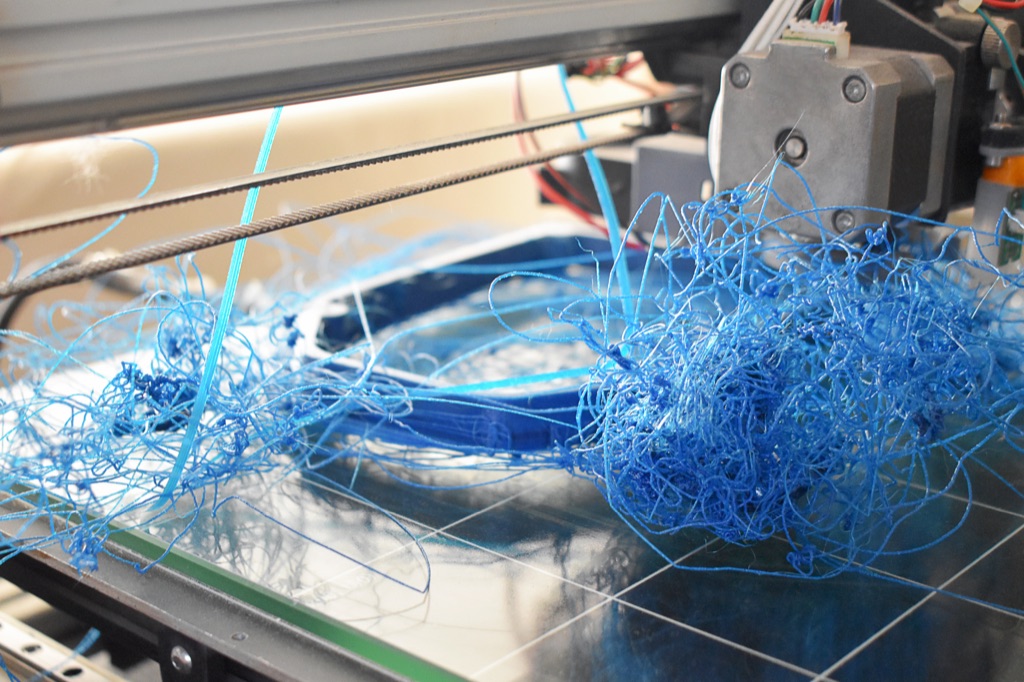
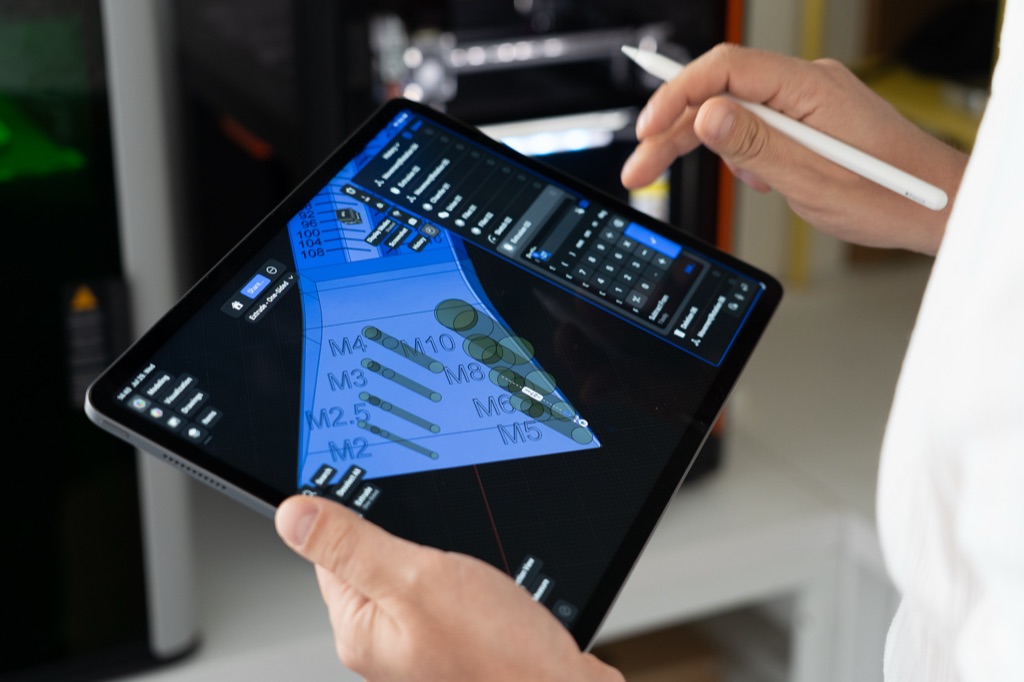
Downloaded files only go so far. Design your own and print exactly what you need.
See what people designPart 2Design
Modeling basics, tool comparisons, and projects to follow.
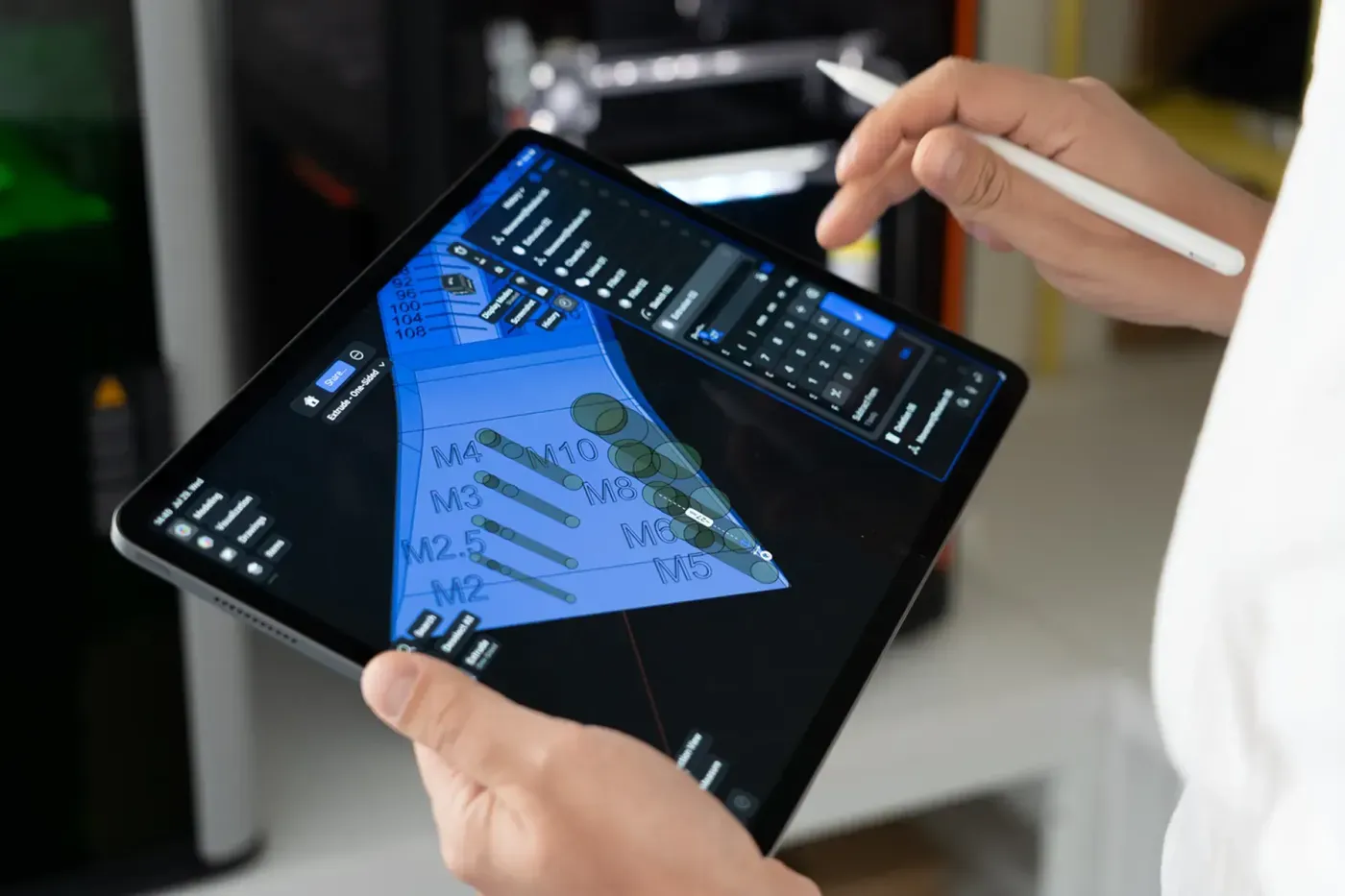
How different tools compare, and what each is good for.
What it takes to run 3D modeling software. You may already have it.
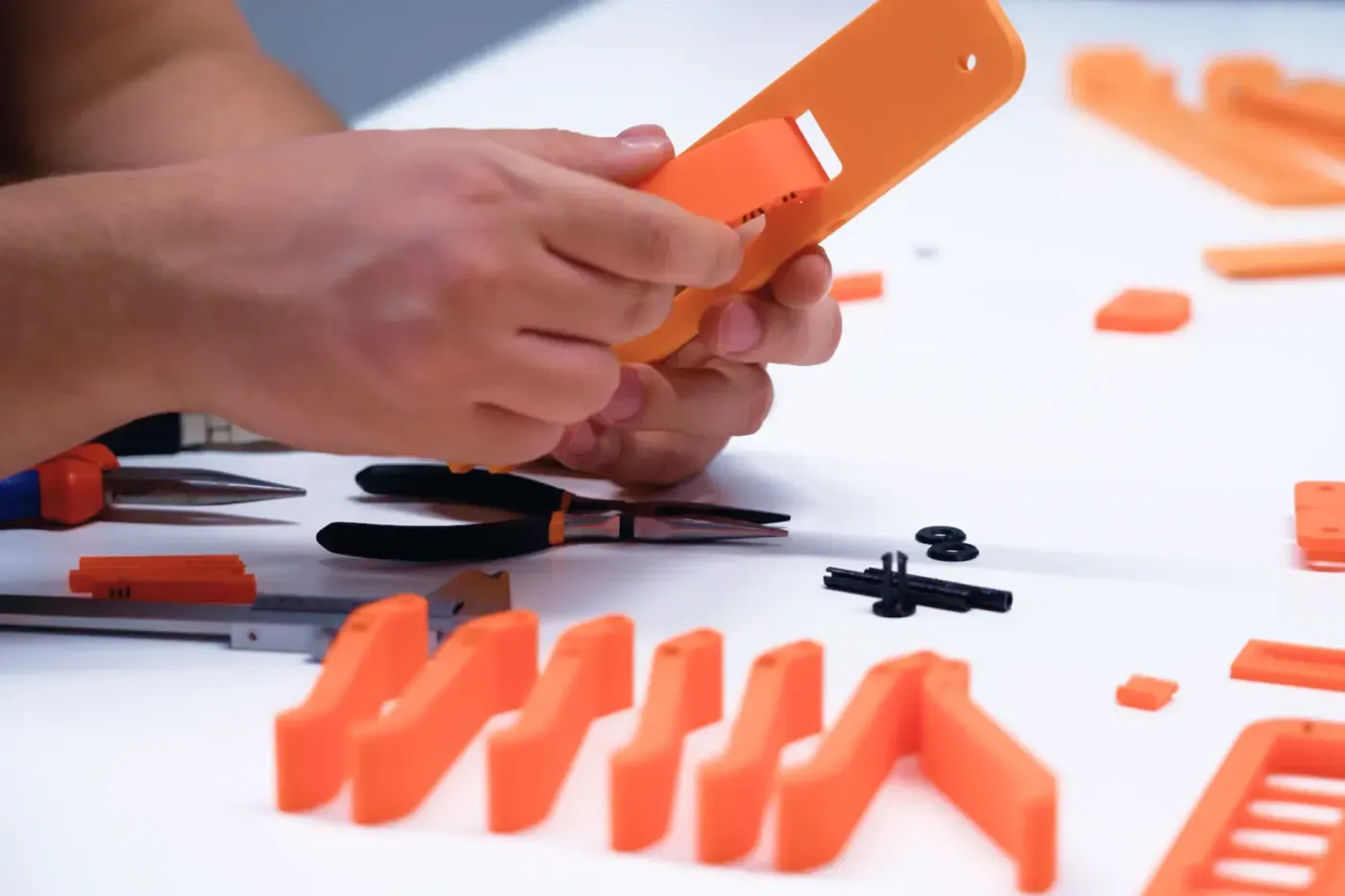
An industrial designer's advice for models that print right.
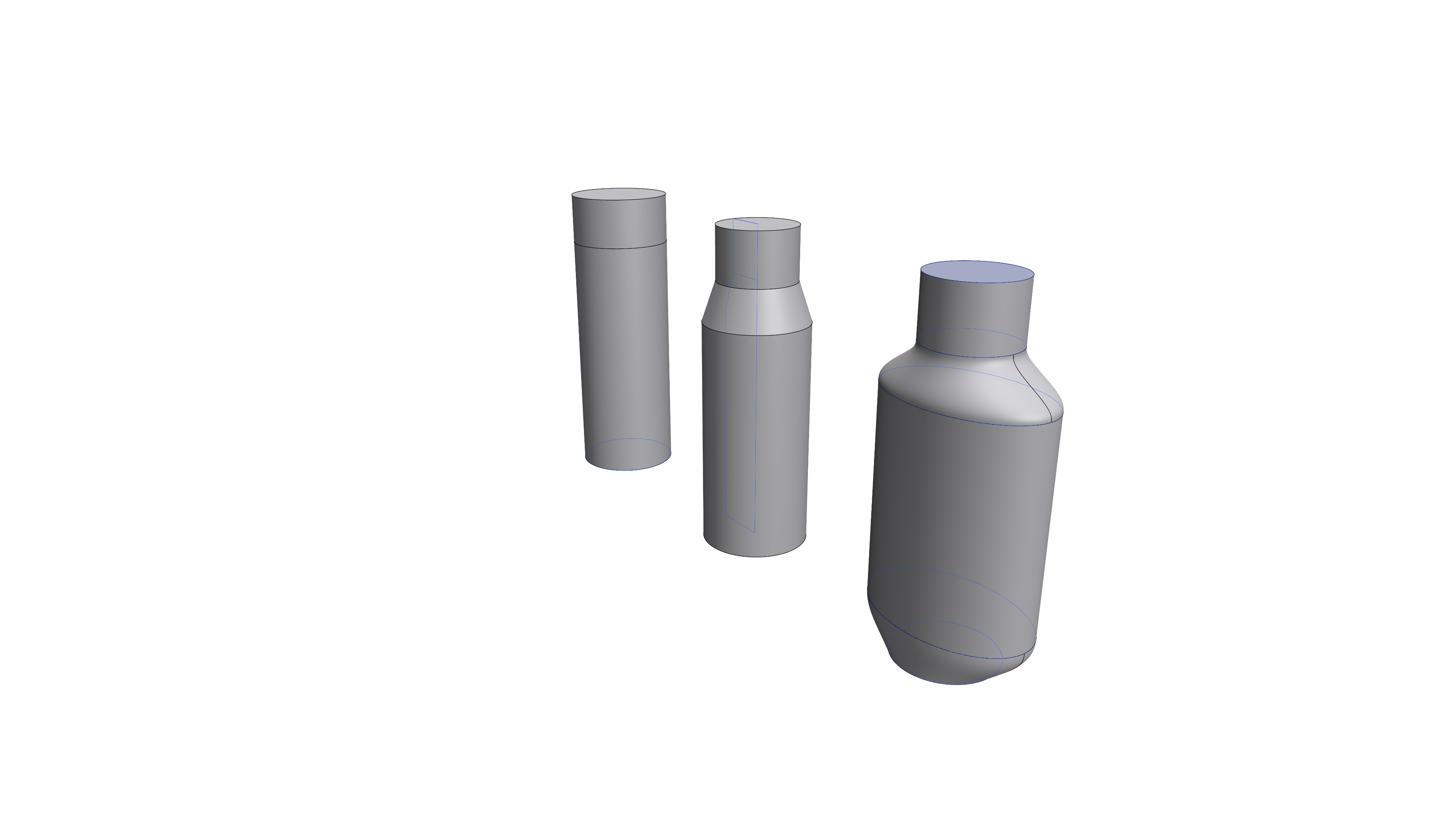
Two ways to build a 3D shape, and when to use each one.
Two ways of modeling, and the kinds of projects each one suits.
How an industrial designer uses quick, rough prints to test ideas and improve each version.
A curated selection of video courses from the Shapr3D team.

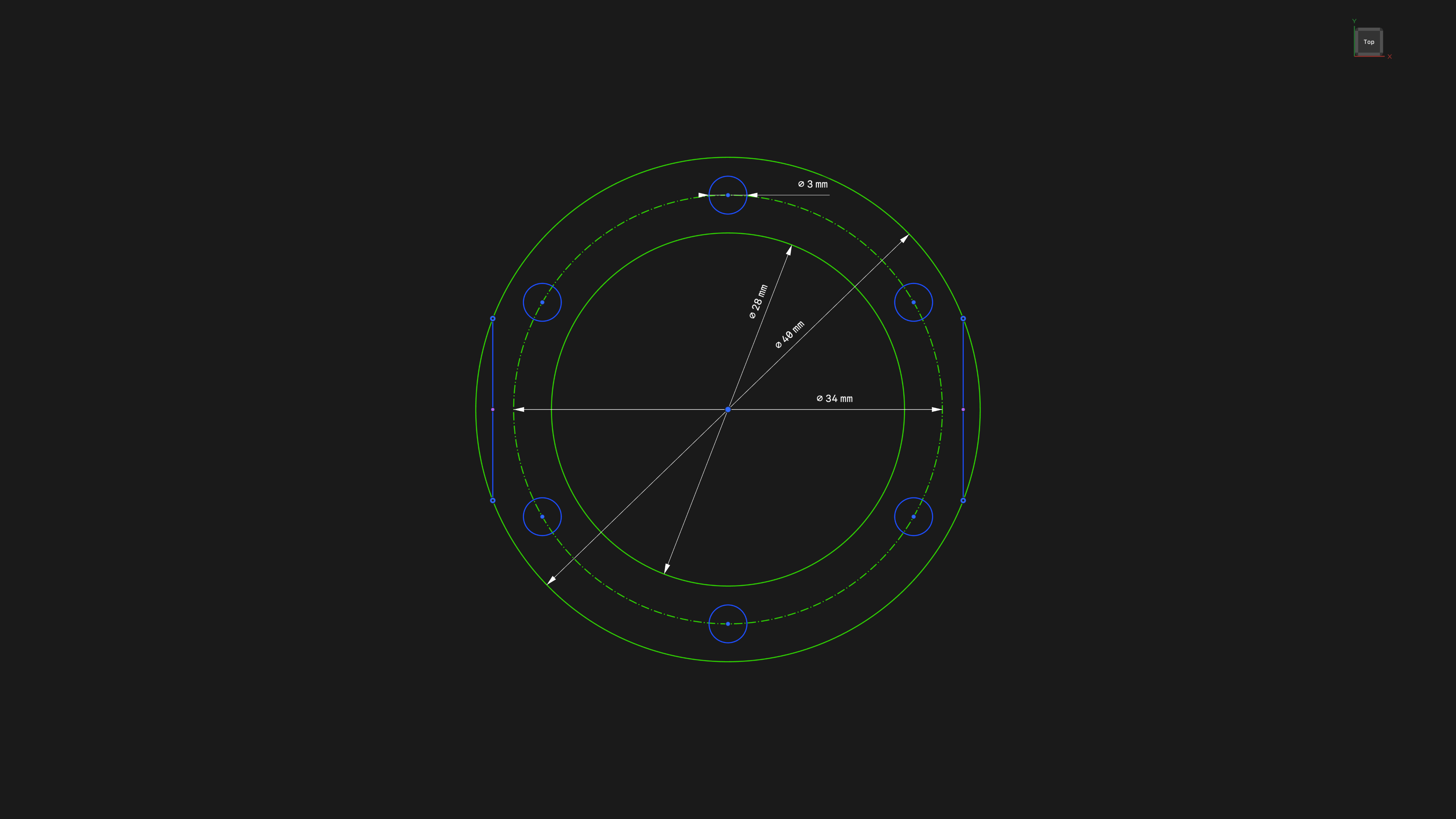
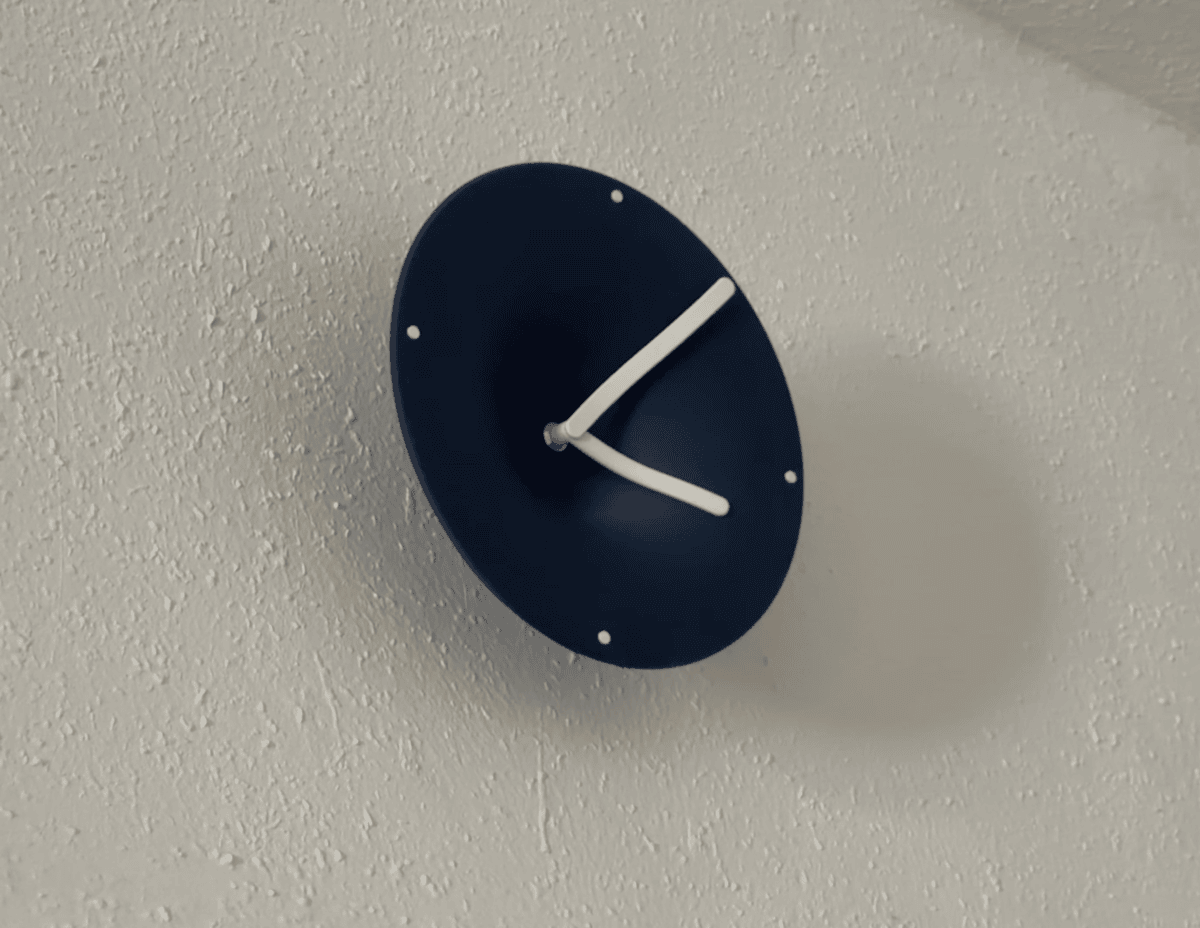
Follow along, change the dimensions, print your version.
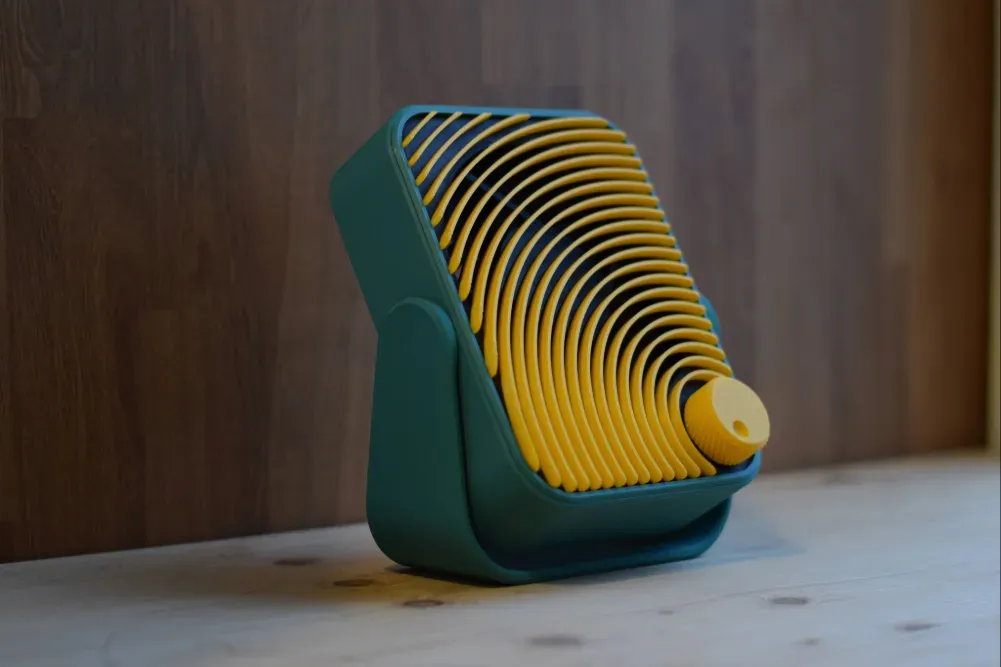
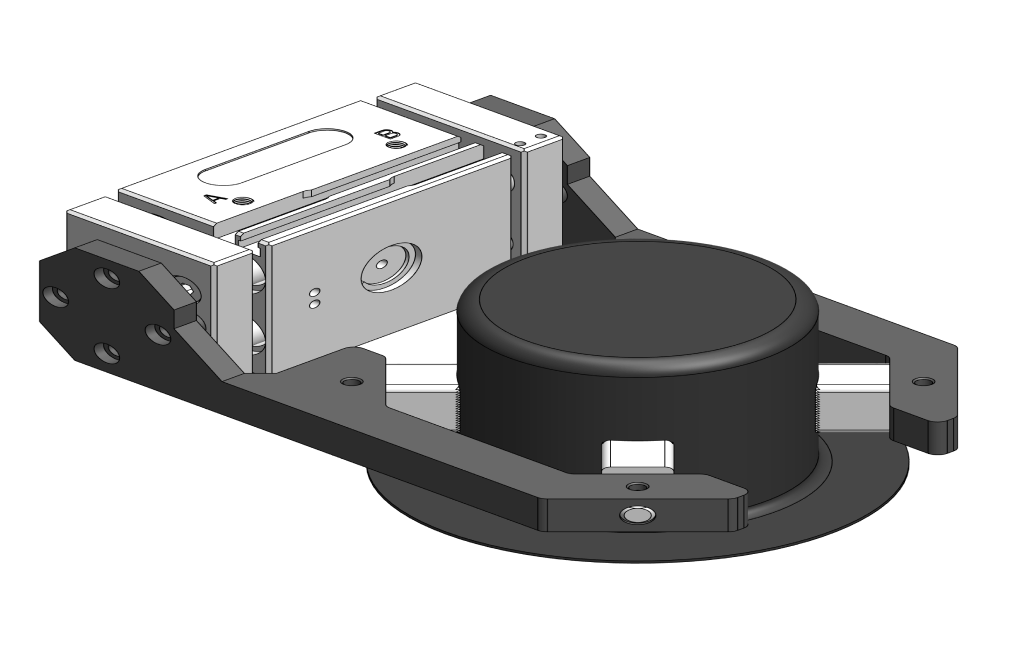
Build a quiet, tilting USB-C desk fan from a 120 mm PC fan and a PWM controller board. Parts list, assembly steps, and free print files from Built in Shapr3D.
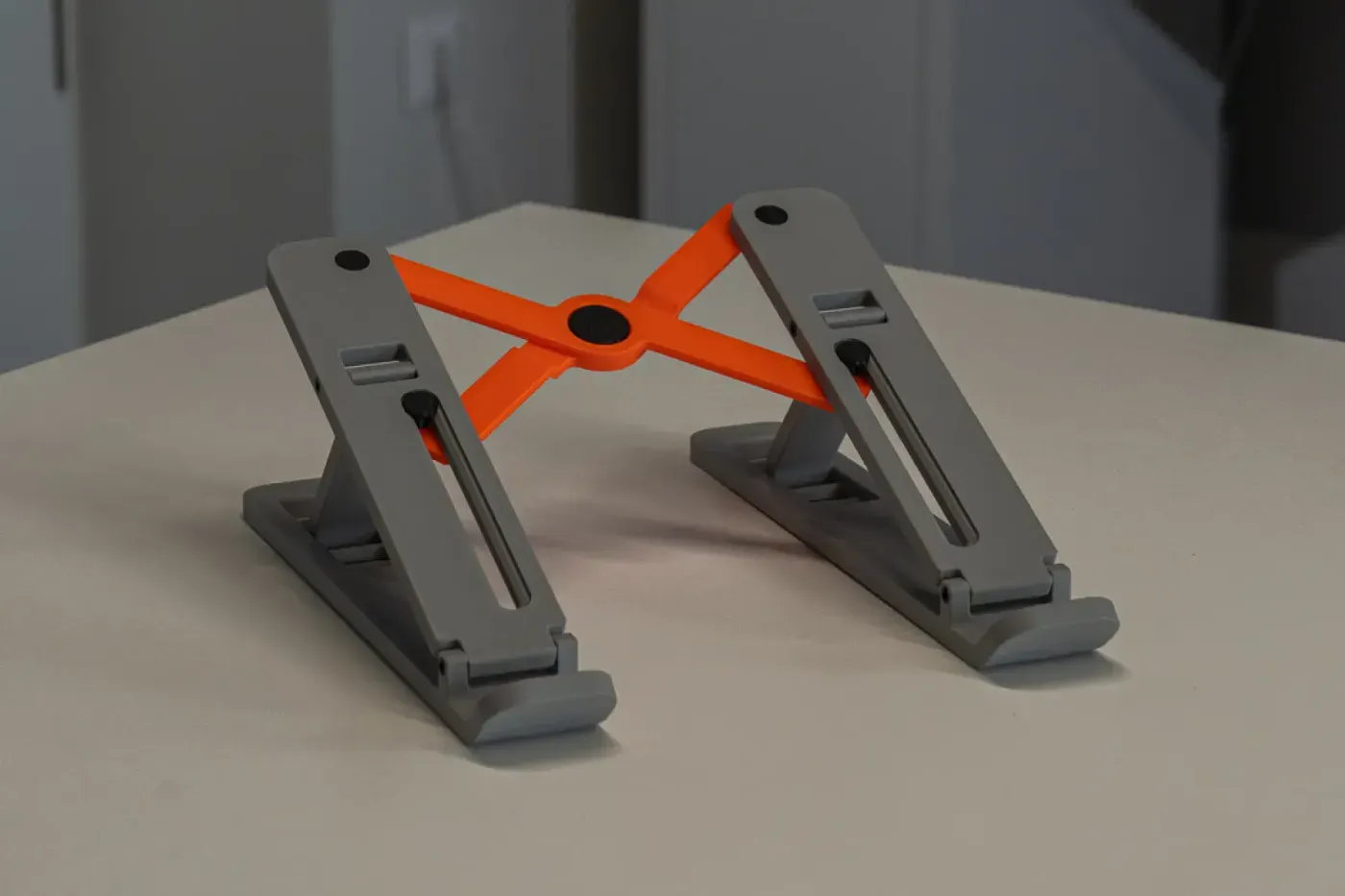
A step-by-step guide to designing a foldable, parametric laptop stand in Shapr3D: skeleton modeling, snap-fit joints, print testing, and tolerance tuning.
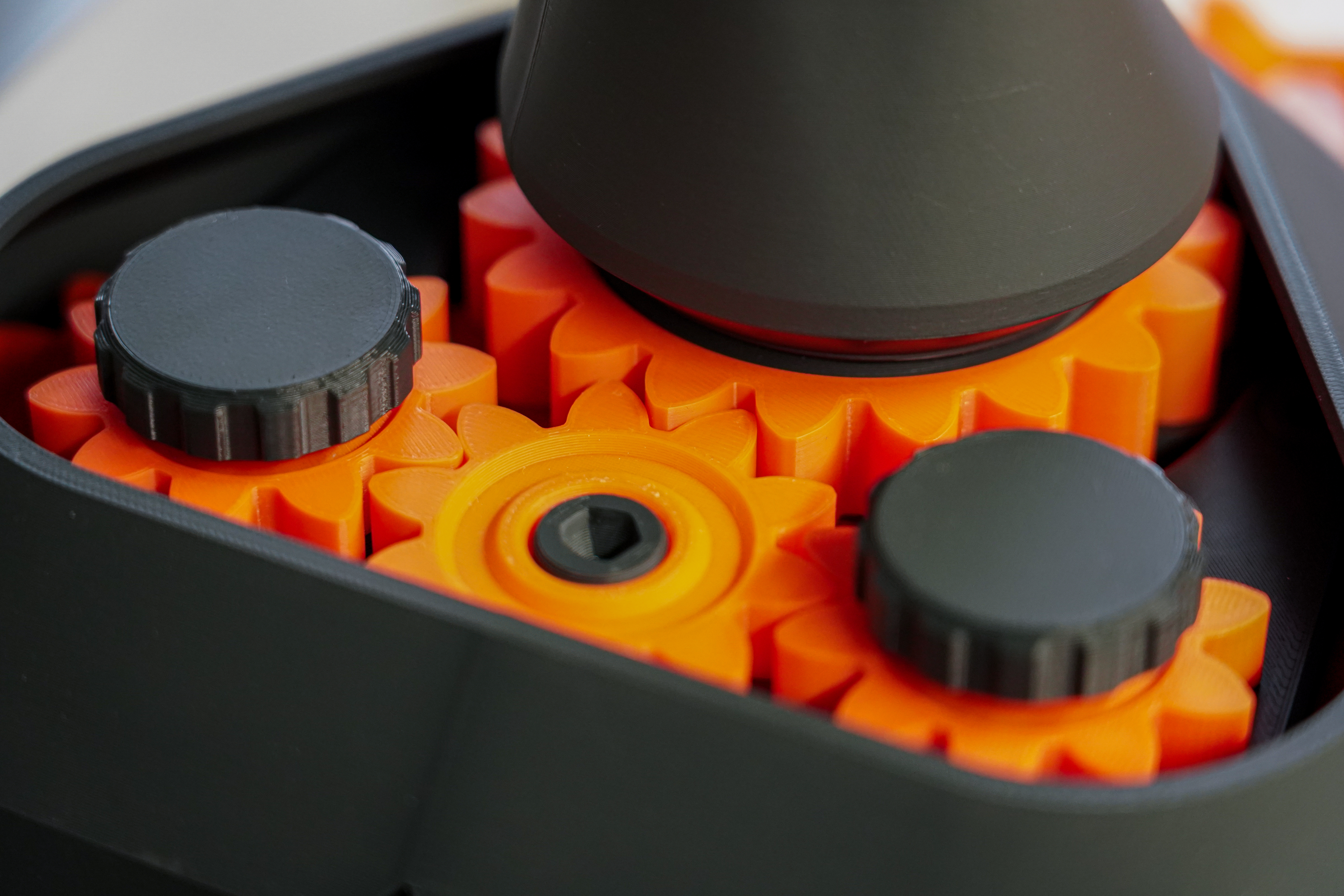
Design a desk lamp that moves on printed gears, and learn how gears turn, lock, and transfer motion.
Part 3Share
Share and sell your models, or start a 3D print business.